PathfinderPrototyping · St. Paul MN

Parametric CAD · Stream Deck plugin

FreeCAD macOS Studio Pro

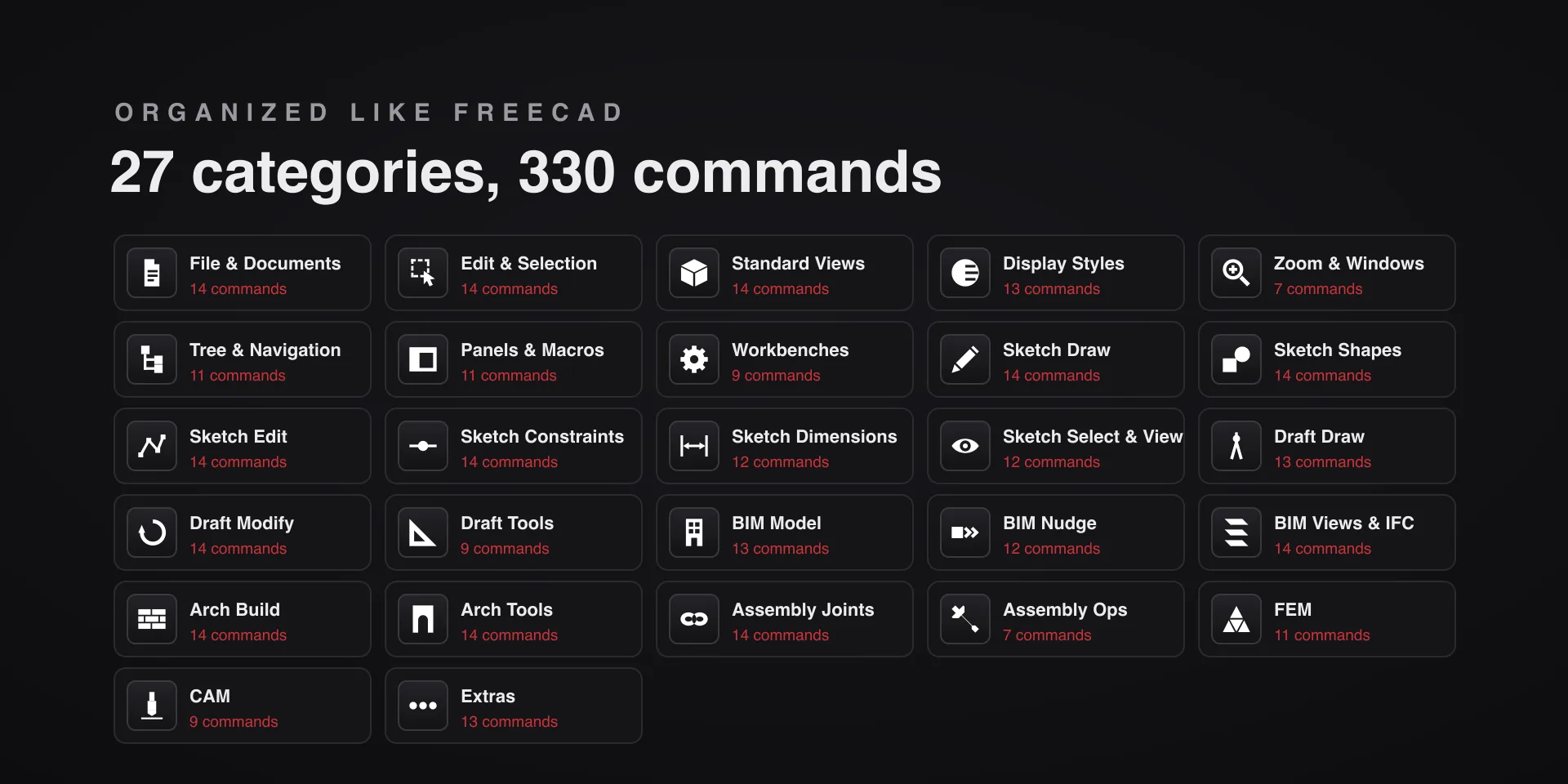
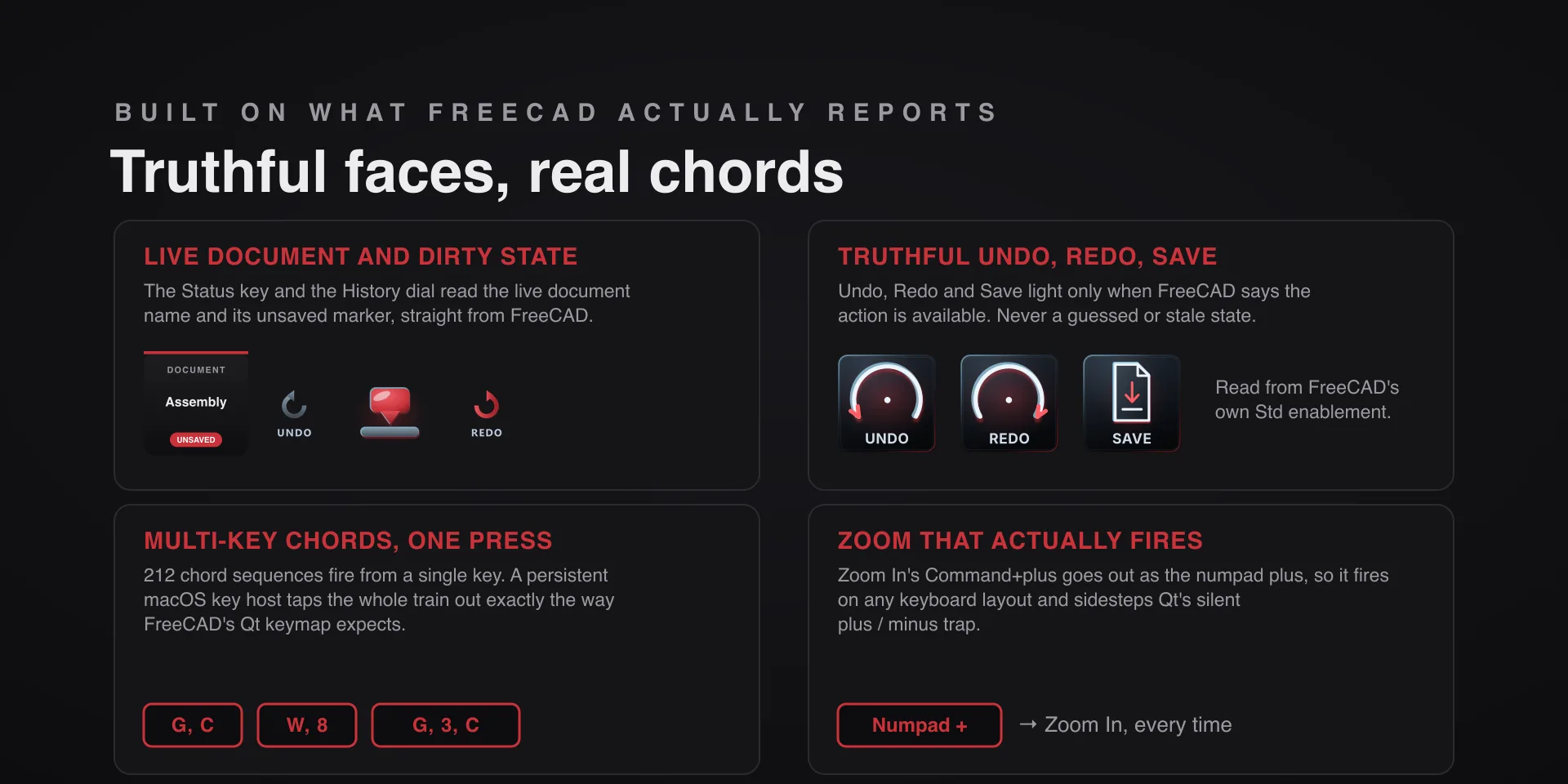
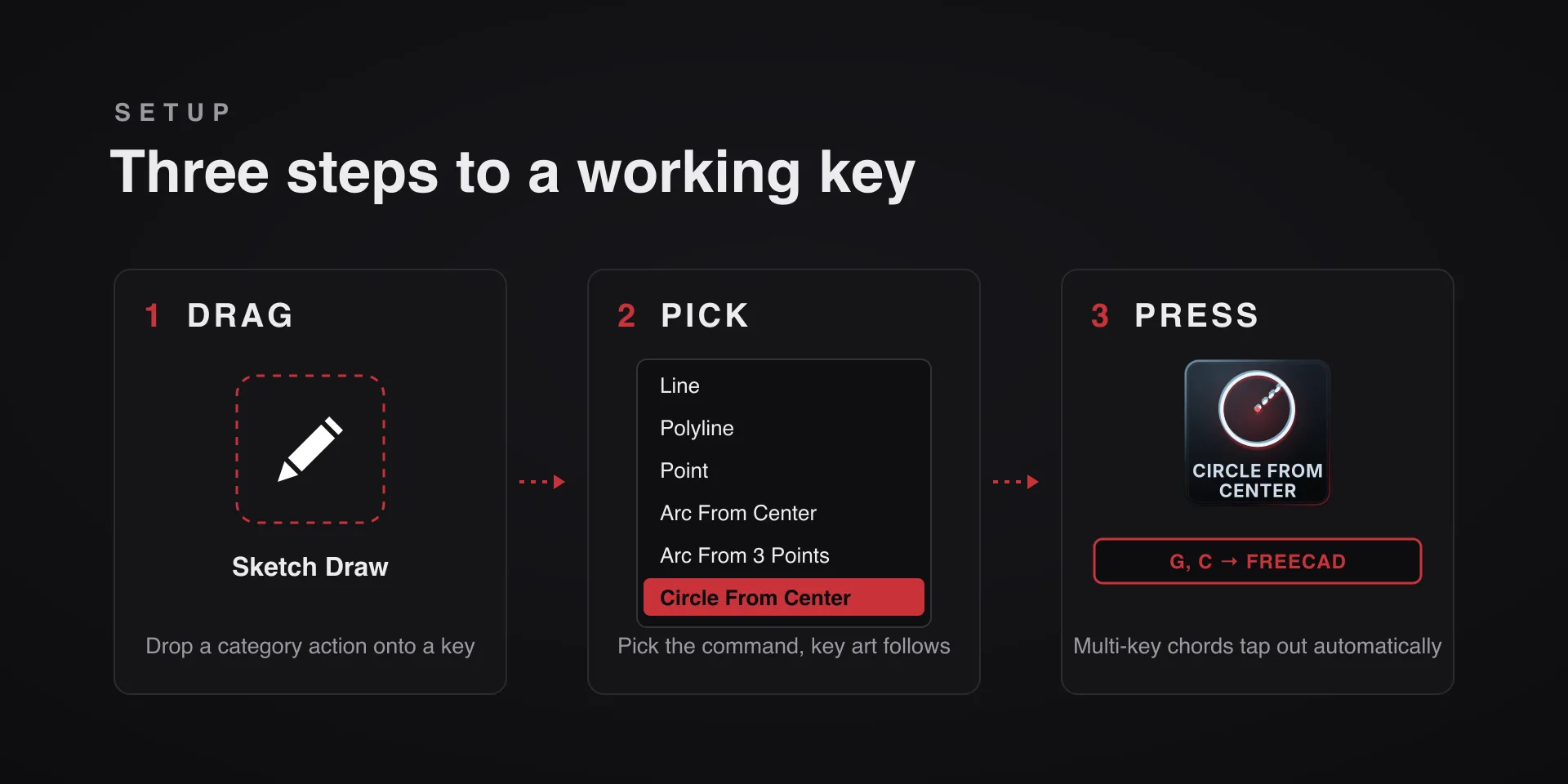
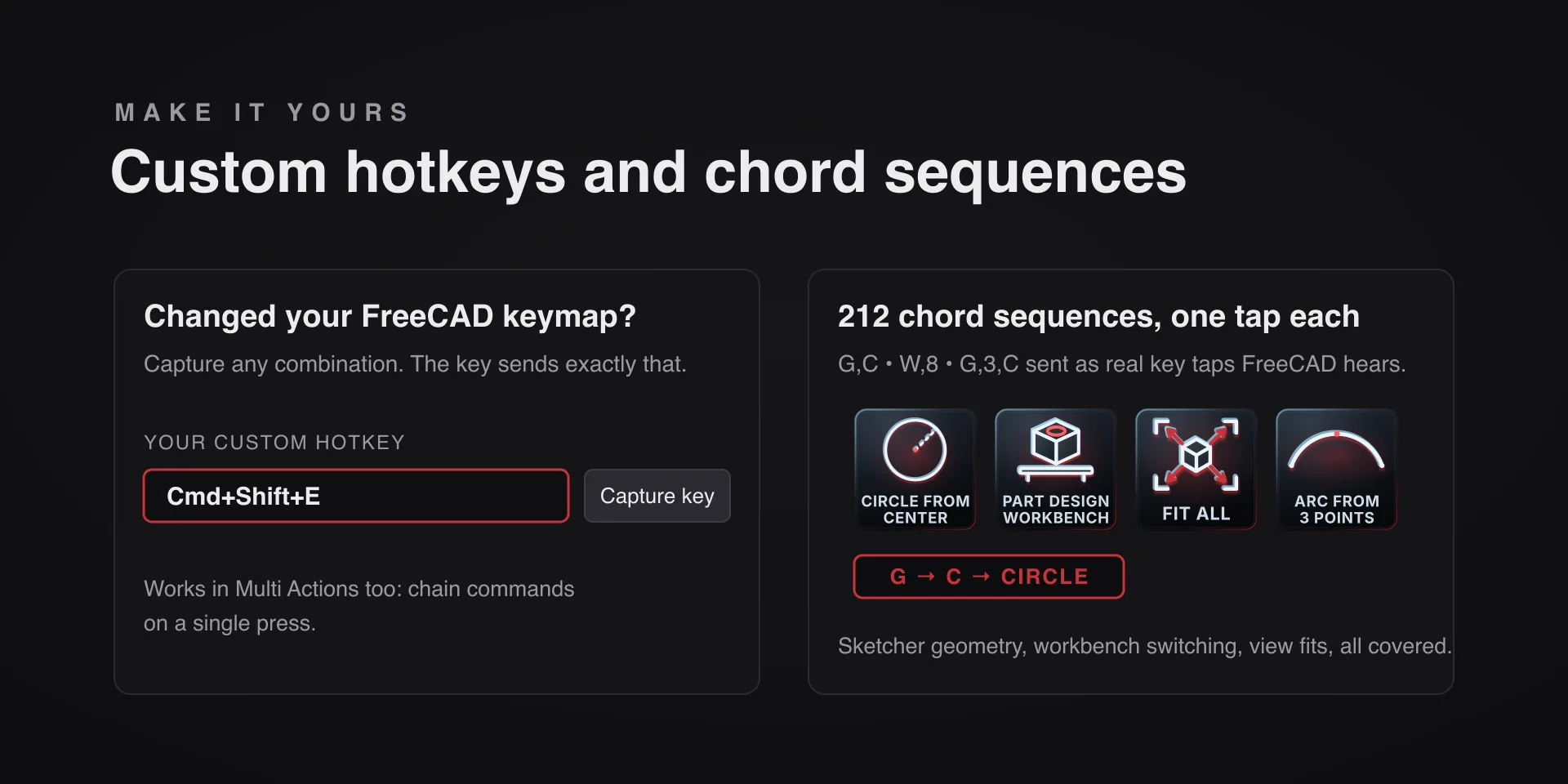
FreeCAD binds most of its tools to multi-key chord sequences: G then C for a circle, W then 8 for Part Design. 212 of the 330 commands are sequences, and each fires whole from one key.

Download Now

On the Elgato Marketplace

What it does

What you need

FreeCAD 1.1 on macOS 13 or later or on Windows 10 or later, and Stream Deck software 6.9 or newer. Tested on FreeCAD 1.1.3 on macOS and 1.1.4 on Windows. One pack installs on either platform; FreeCAD Hotkeys is the same plugin under its own listing.

Support

Good to know

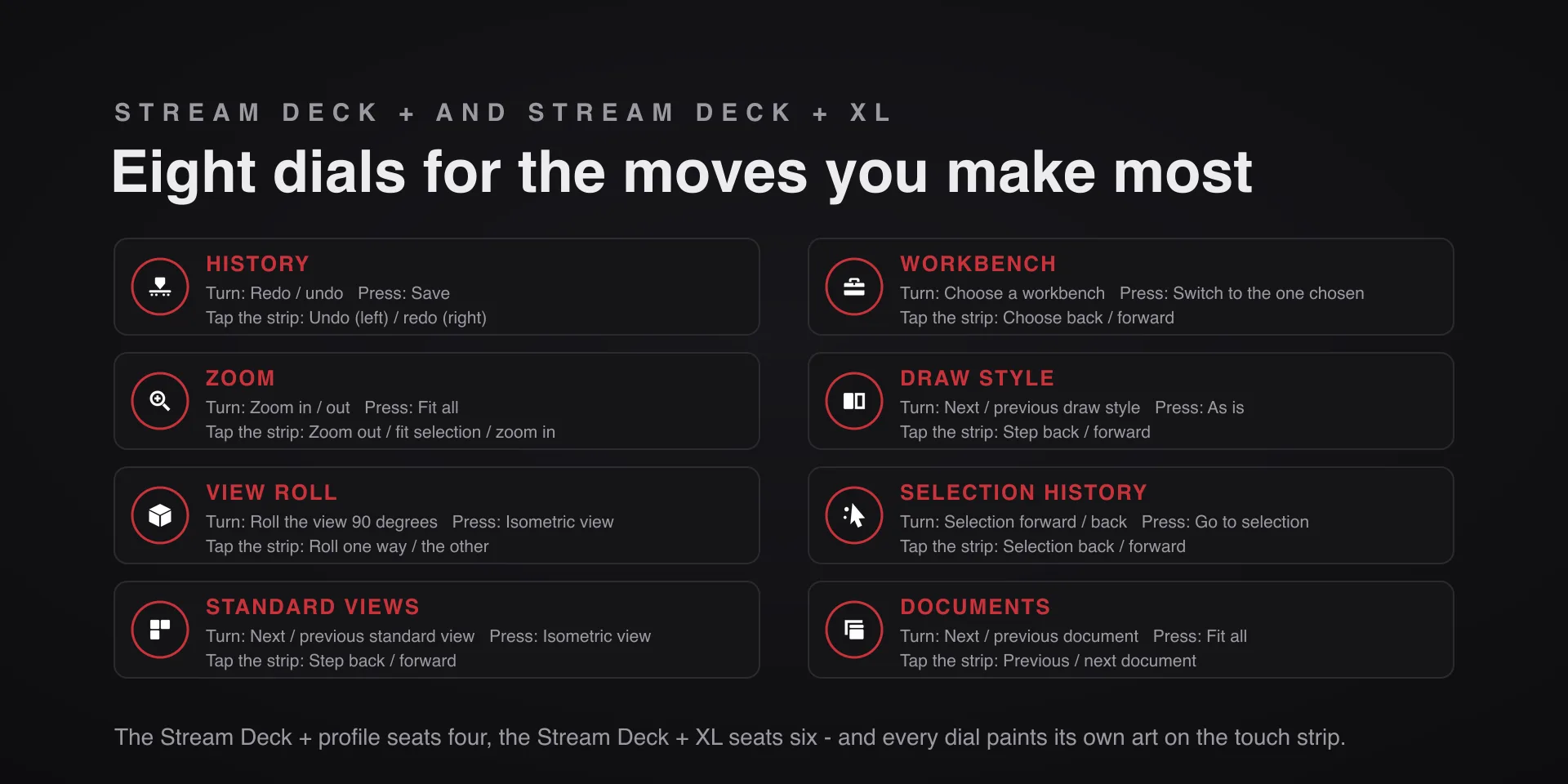
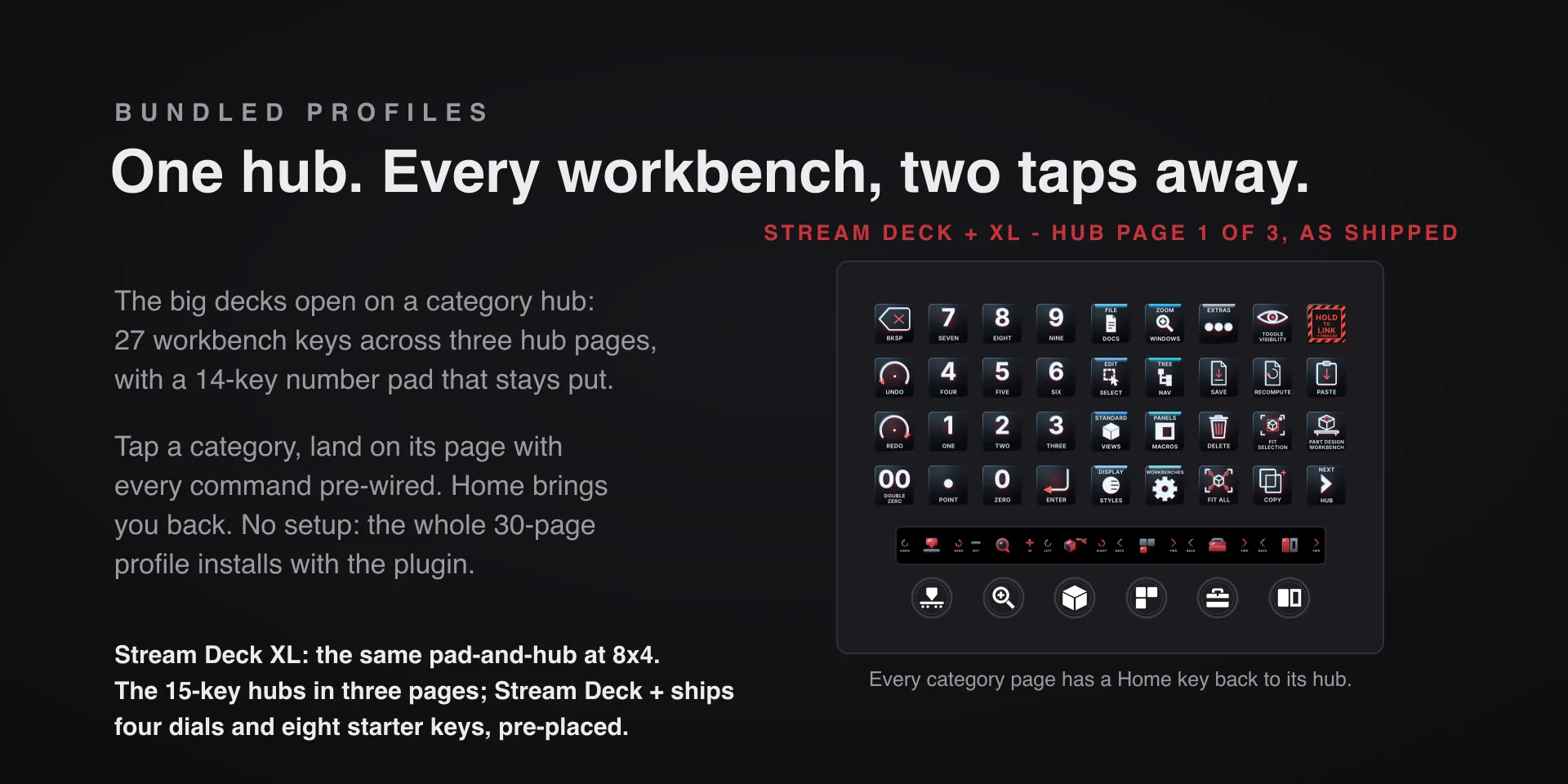
  • Built for FreeCAD 1.1 on macOS 13 or later and on Windows 10 or later, tested on FreeCAD 1.1.3 on macOS and 1.1.4 on Windows. Requires the Stream Deck app 6.9 or newer. Profiles are bundled for six decks: the 15-key Stream Deck, the Stream Deck +, the Stream Deck + XL, the 32-key Stream Deck XL, the Stream Deck Mini and the Stream Deck Neo. The dials need one of the two Stream Deck + models.
  • On a Mac, two permissions. Elgato Stream Deck needs both in System Settings, Privacy & Security. Accessibility: if a key reads Allow Accessibility, turn Elgato Stream Deck on there, then restart the Stream Deck app. Automation: if keys only alert, allow Elgato Stream Deck to control System Events there.
  • The live faces need the bundled bridge macro: copy FreeCADHotkeysBridge.FCMacro out of the plugin's macro folder into FreeCAD's macro folder, then run it once from Macro, Macros. Every key still sends without it; only the live faces stay dark, and they say so.
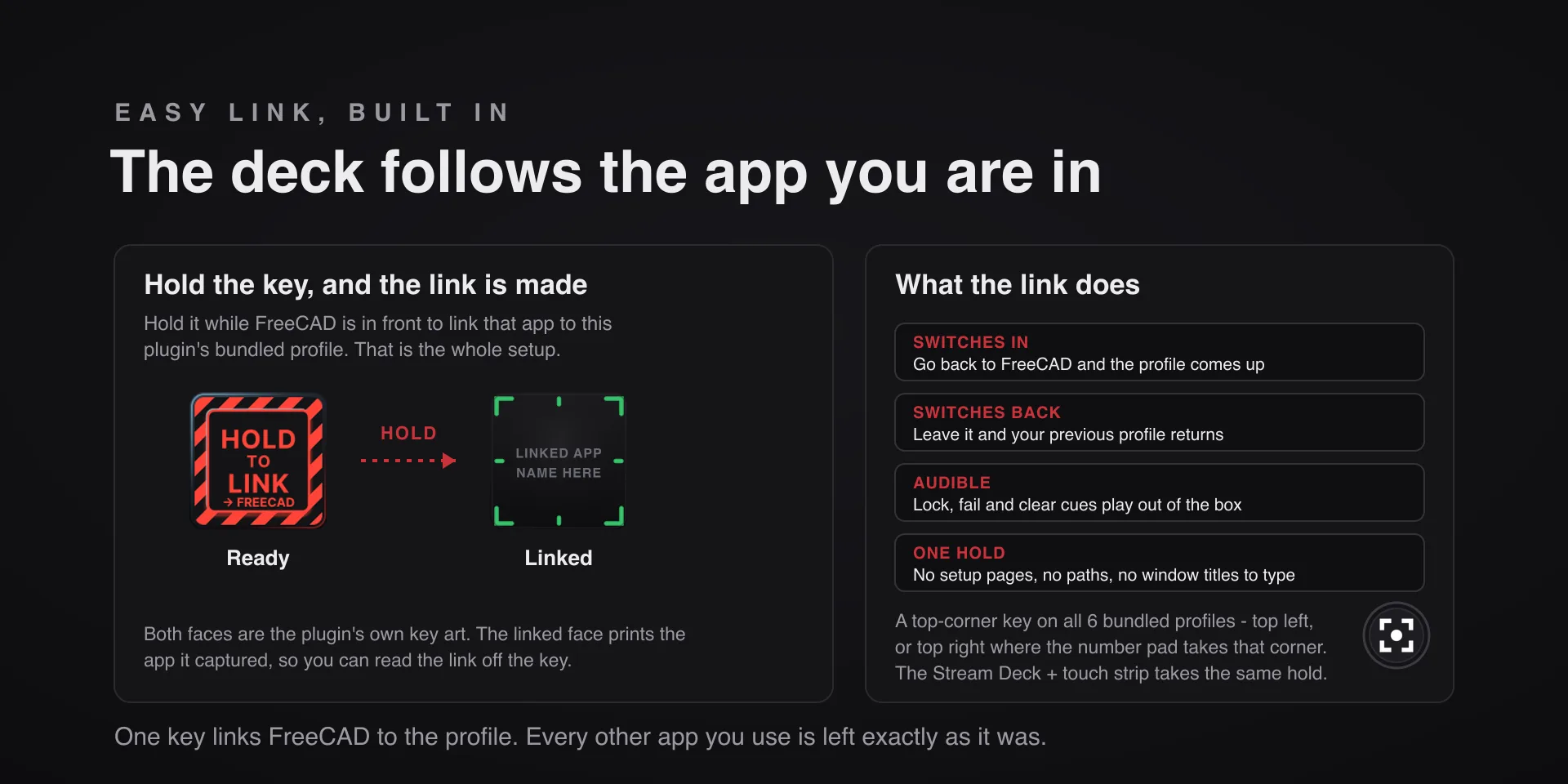
  • Keystrokes go to the focused window, so keep FreeCAD in front. On a Mac the keys send FreeCAD's macOS shortcuts, Command for Ctrl, and six that cannot be sent safely, F11 and Command and Space among them, alert instead of failing silently.

True of every plugin we make

  • Every key carries the app's own shortcut for that command, and every key is remappable. Type your combination into the key's property inspector (its settings panel in the Stream Deck app) or click Capture and press it once. Where an app leaves a command unbound, the key still reaches it by the route that app exposes.
  • Keystrokes go to the front window and nothing steals focus, so keep the target app in front when you press.
  • Every command has its own drawn key art, so the deck reads at a glance instead of listing shortcuts.

Read the full quick fixes, or see this plugin on the support hub.

Still stuck? Email tony@pathfinderprototyping.com with the plugin name, your Stream Deck software version, and what you pressed versus what happened. A human answers.