PathfinderPrototyping · St. Paul MN

Direct modeling · Stream Deck plugin

Shapr3D Studio Deck

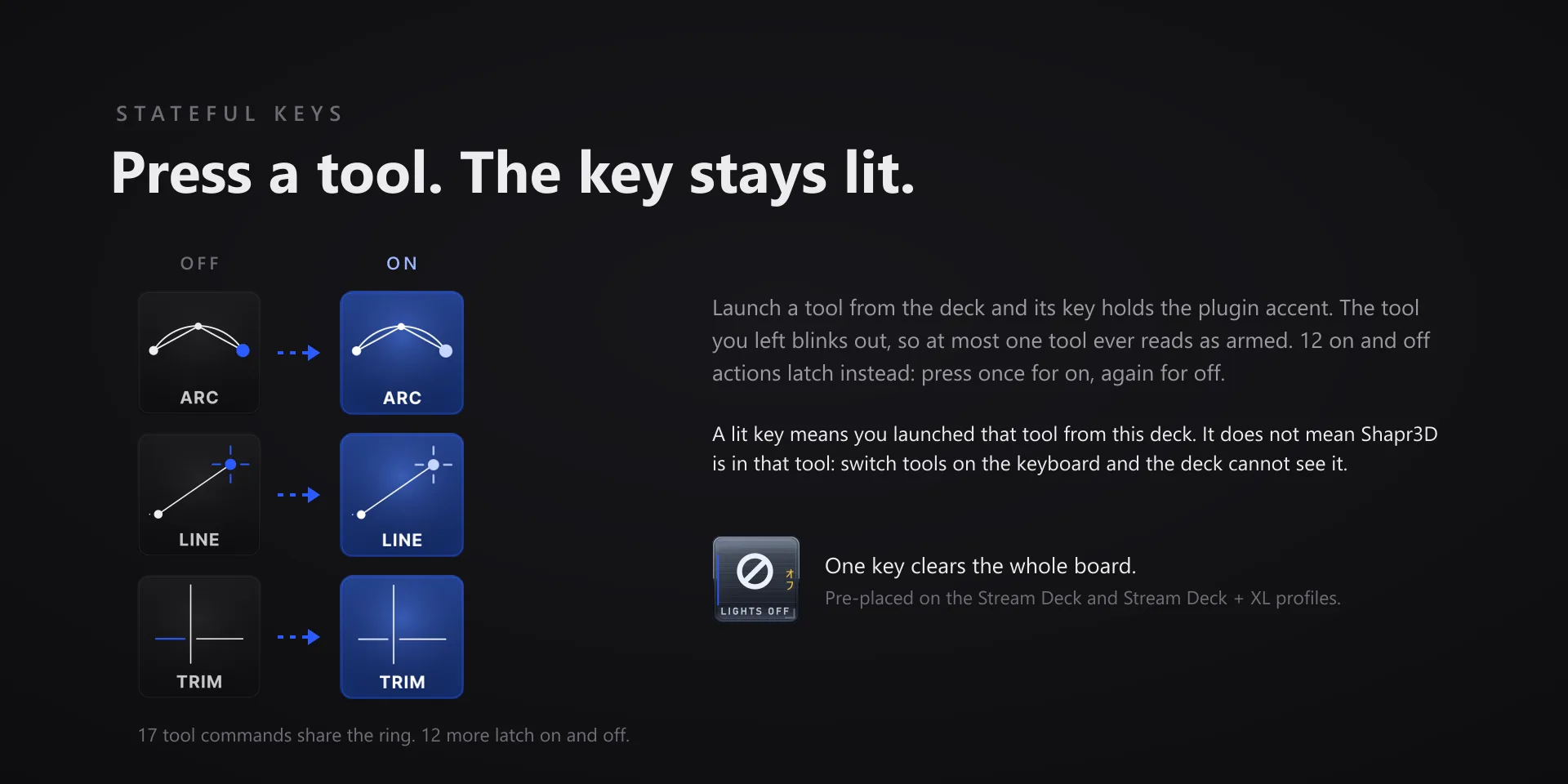
Choosing a tool in Shapr3D means opening a menu and finding it. On a ring you turn and then confirm, the choice happens under your thumb while the model stays in front of you.

Download Now

On the Elgato Marketplace

What it does

What you need

Windows 10 or later, Stream Deck software 6.9 or newer, and Shapr3D 26.142.

Support

Good to know

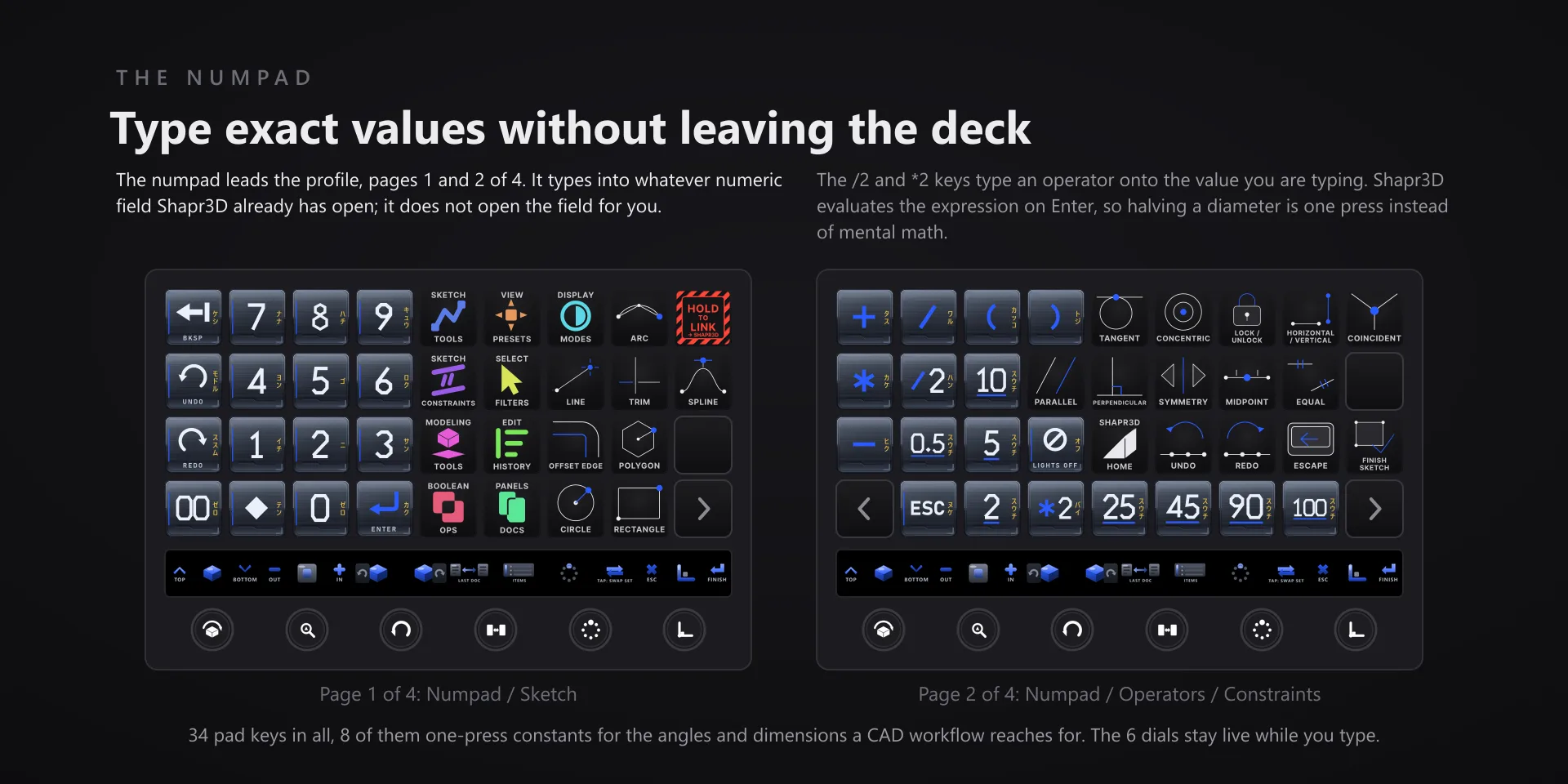
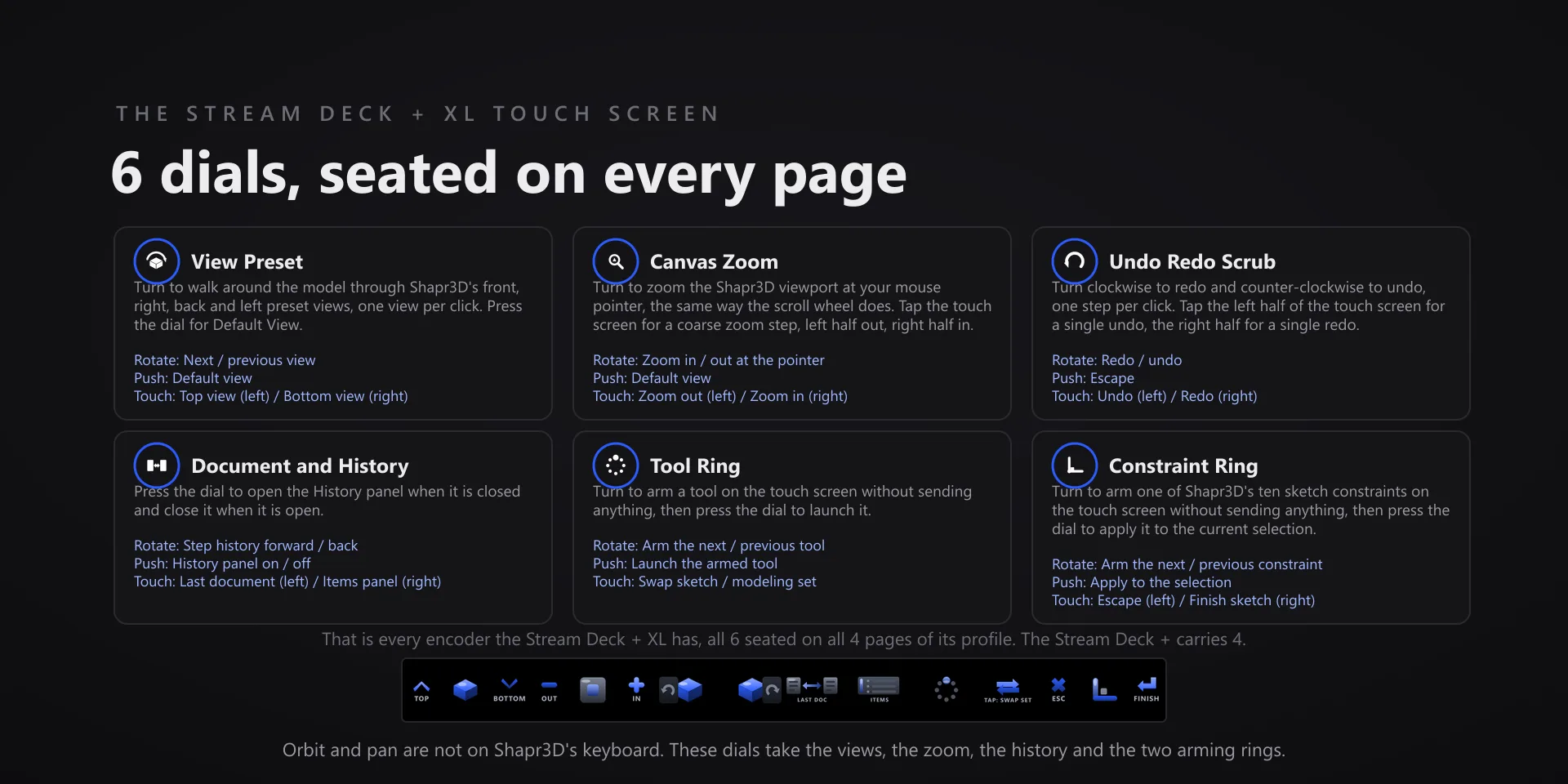
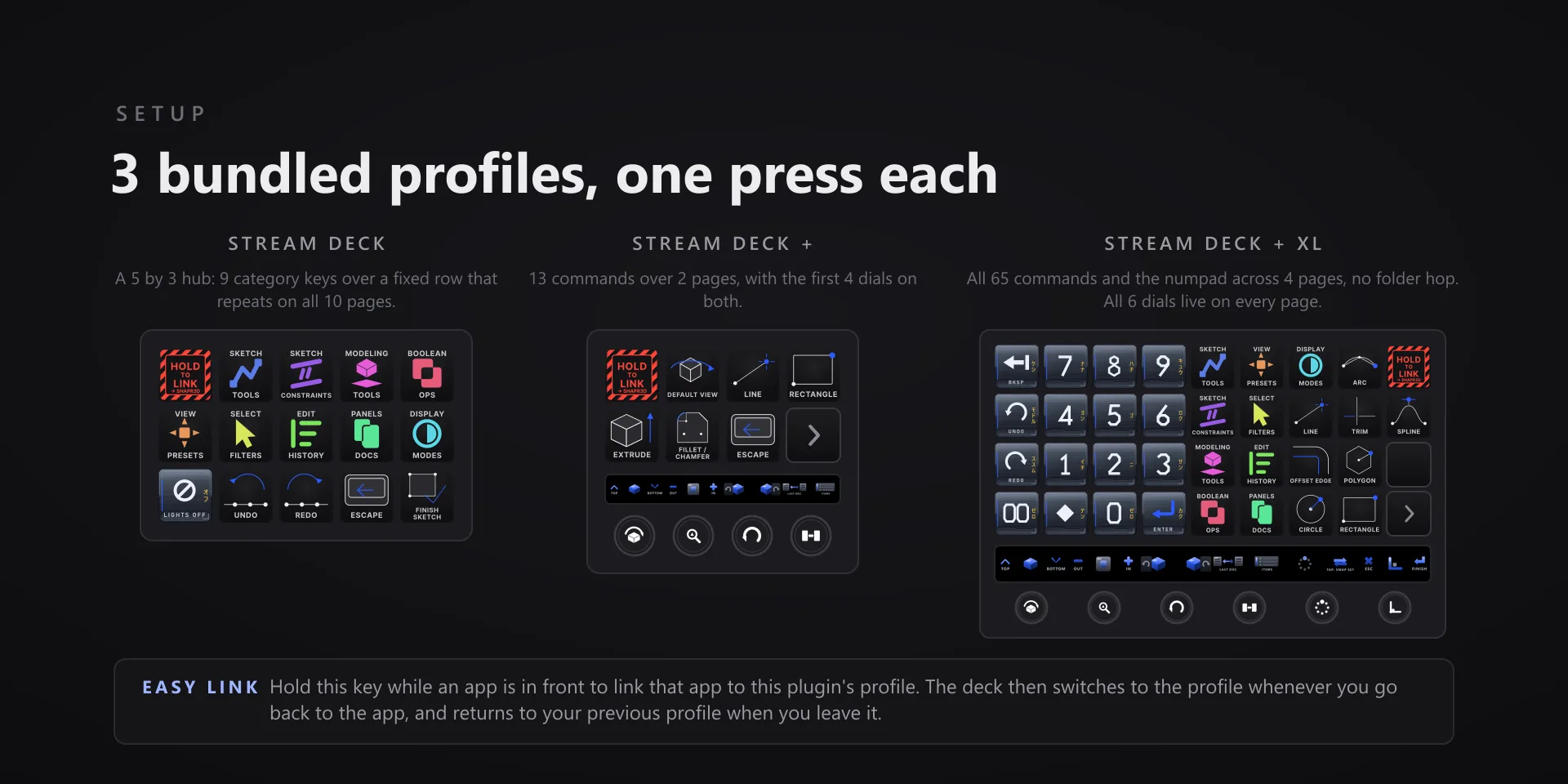
  • Built for Shapr3D 26.142 on Windows 10 and 11. Requires the Windows Stream Deck app 6.9 or later. Profiles are bundled for three decks: the 15-key Stream Deck, the Stream Deck +, and the Stream Deck + XL. The six dials need one of the two Stream Deck + models.
  • Orbit and pan stay on your mouse. Continuous orbit is not reachable from the keyboard in Shapr3D on Windows, so those two are deliberately absent rather than shipped as keys that would do nothing.
  • Runs entirely on your own machine. No account, no subscription, no telemetry.

True of every plugin we make

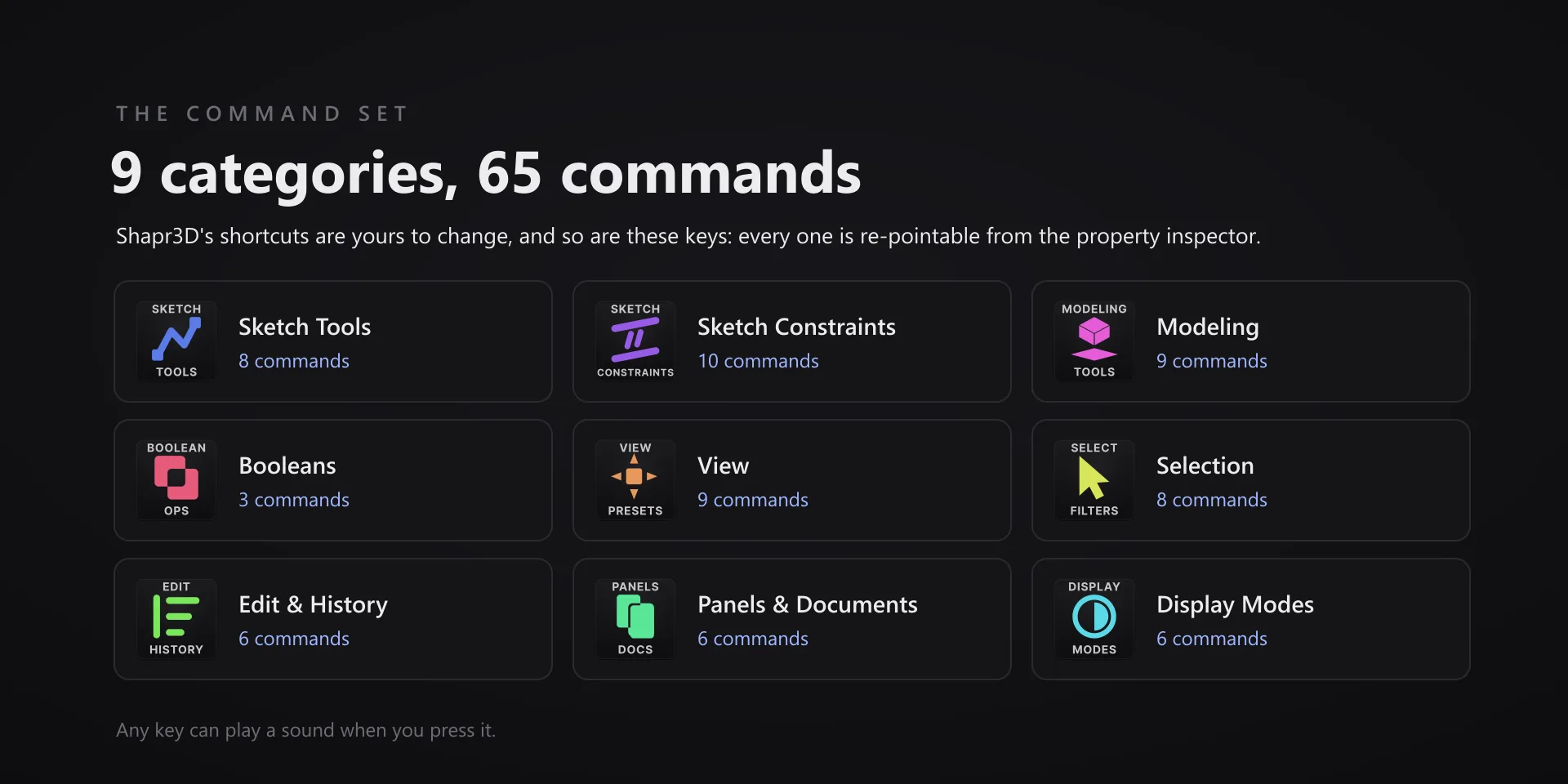
  • Every key carries the app's own shortcut for that command, and every key is remappable. Type your combination into the property inspector or click Capture and press it once. Where an app leaves a command unbound, the key still reaches it by the route that app exposes.
  • Keystrokes go to the front window and nothing steals focus, so keep the target app in front when you press.
  • Every command has its own drawn key art, so the deck reads at a glance instead of listing shortcuts.

Read the full quick fixes, or see this plugin on the support hub.

Still stuck? Email tony@pathfinderprototyping.com with the plugin name, your Stream Deck software version, and what you pressed versus what happened. A human answers.