Corsair XENEON EDGE · iCUE widget companion
The ObsidianEdge widget puts your Obsidian vault on the XENEON EDGE touchscreen. A widget package can only carry web files, so the part that talks to Obsidian is this small plugin. It runs inside Obsidian on your own PC and answers the widget over a loopback address. No internet, no account, no telemetry.
This page covers the companion. The ObsidianEdge widget itself is installed in iCUE (Home, then XENEON EDGE, then Widgets). It is not on the Elgato Marketplace yet. Give it a page of its own at Extra Large: the Reader page and the Navigator page want the whole panel.
The companion is a small Obsidian plugin: a folder named edge-companion that goes into <your vault>\.obsidian\plugins\. The folder holds main.js, manifest.json, styles.css and a README, and the code is plain JavaScript you can read. Once the companion is listed in Obsidian's community directory it will be one search away under Community plugins, Browse.
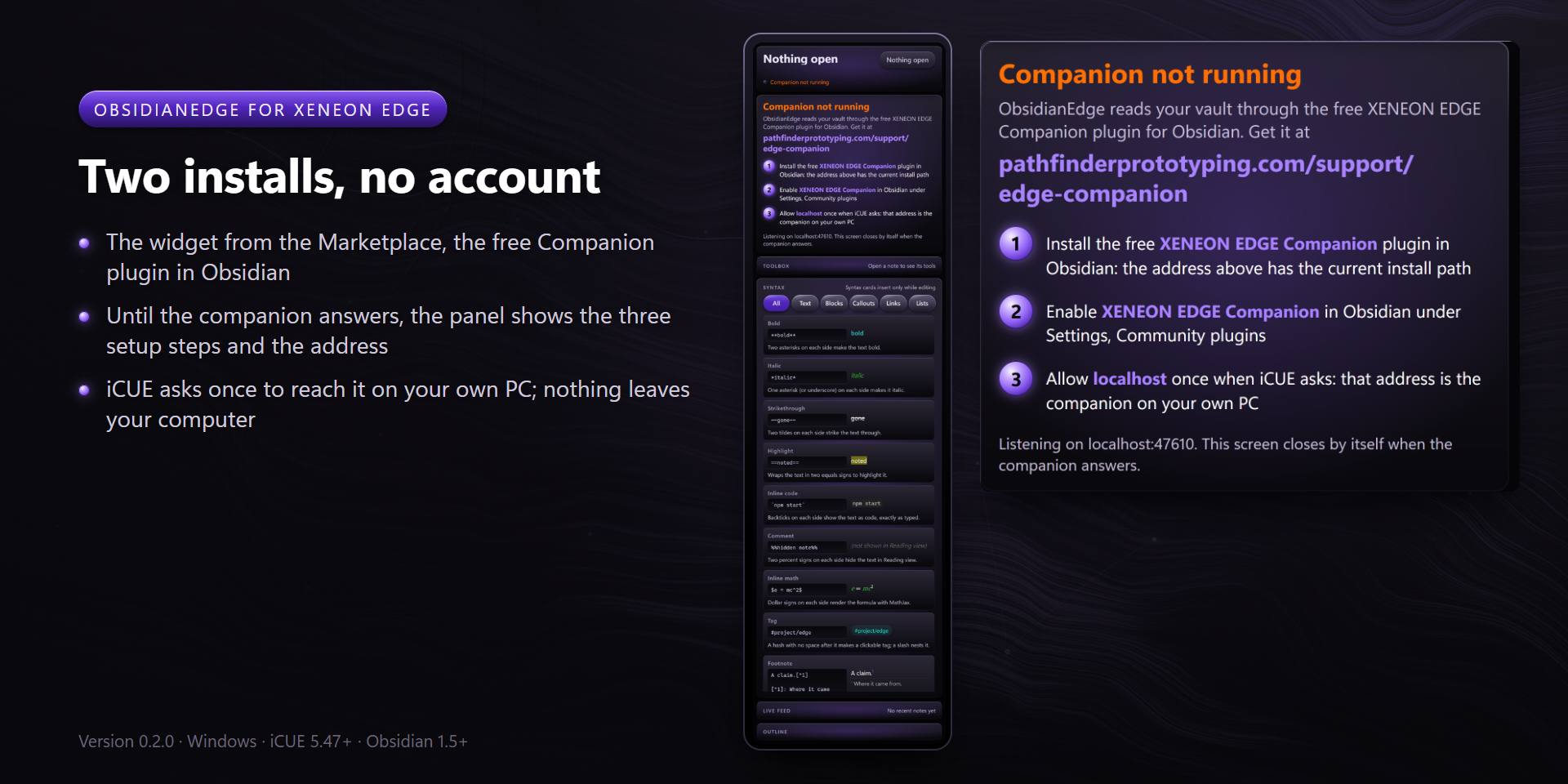
Settings, then Community plugins, then turn on XENEON EDGE Companion. It listens on 127.0.0.1:47610 while Obsidian runs. Change the port in the plugin's settings if something else uses it, and set the widget's Helper port setting in iCUE to the same number.
The first time the widget reaches the companion, iCUE shows a permission request for a localhost address. That address is the companion on your own PC. Allow it; iCUE asks only once. The panel says "Companion connected" and follows whatever note is open in Obsidian.
iCUE turns the XENEON EDGE's pages with two keystrokes you record once in iCUE: hover the XENEON EDGE, open Screen Setup, set Previous Display Screen to Ctrl+Alt+Shift+PageUp and Next Display Screen to Ctrl+Alt+Shift+PageDown.
With those recorded, the chevrons in the widget's header turn the pages, and the companion brings the ObsidianEdge page up whenever Obsidian comes to the front while the XENEON EDGE shows another page (setting "Jump to the ObsidianEdge page when Obsidian comes forward", on by default). The keys fire only while Obsidian is the active window, so a chevron tap from another app brings Obsidian forward first. If you recorded other keys, type them into the plugin's two settings.
edge-companion folder from <your vault>\.obsidian\plugins\. Pins and folder colours go with it, since they live in the plugin's own data; a note colour stays in that note's color: property, and plans stay in ObsidianEdge/plans.localhost:47610 and choose Allow. A changed port brings one new prompt for that port.Still stuck? Email tony@pathfinderprototyping.com with the widget version from iCUE and the companion version from Obsidian's plugin list.
